







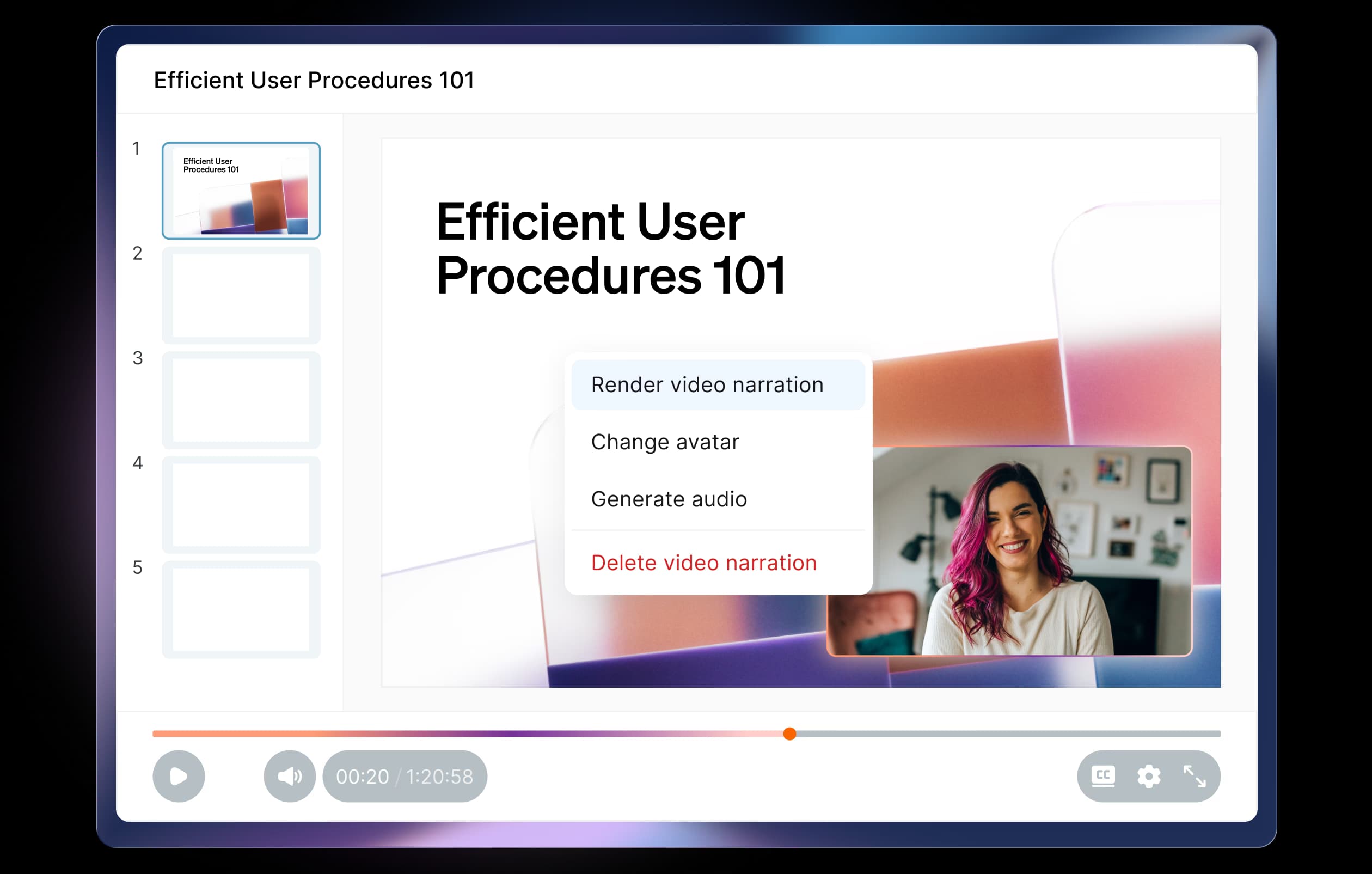
Turn slides, docs, video, and audio into interactive presentations with studio-quality narration. Publish, update, and translate at the speed your business moves — in every language you sell in.
Polished, up-to-date training shouldn't depend on a professional production team.
Build narrated, interactive presentations for onboarding, field training, and buyer walkthroughs — voiced by AI avatars or a clone of your own voice.

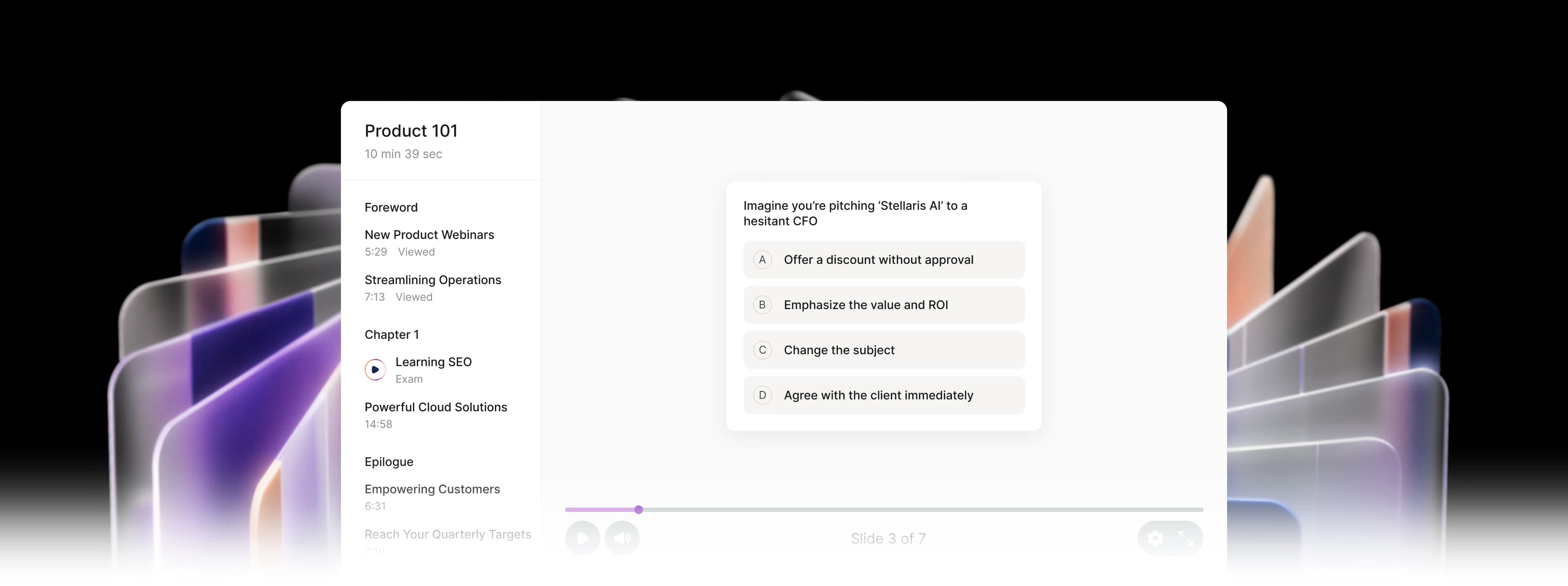
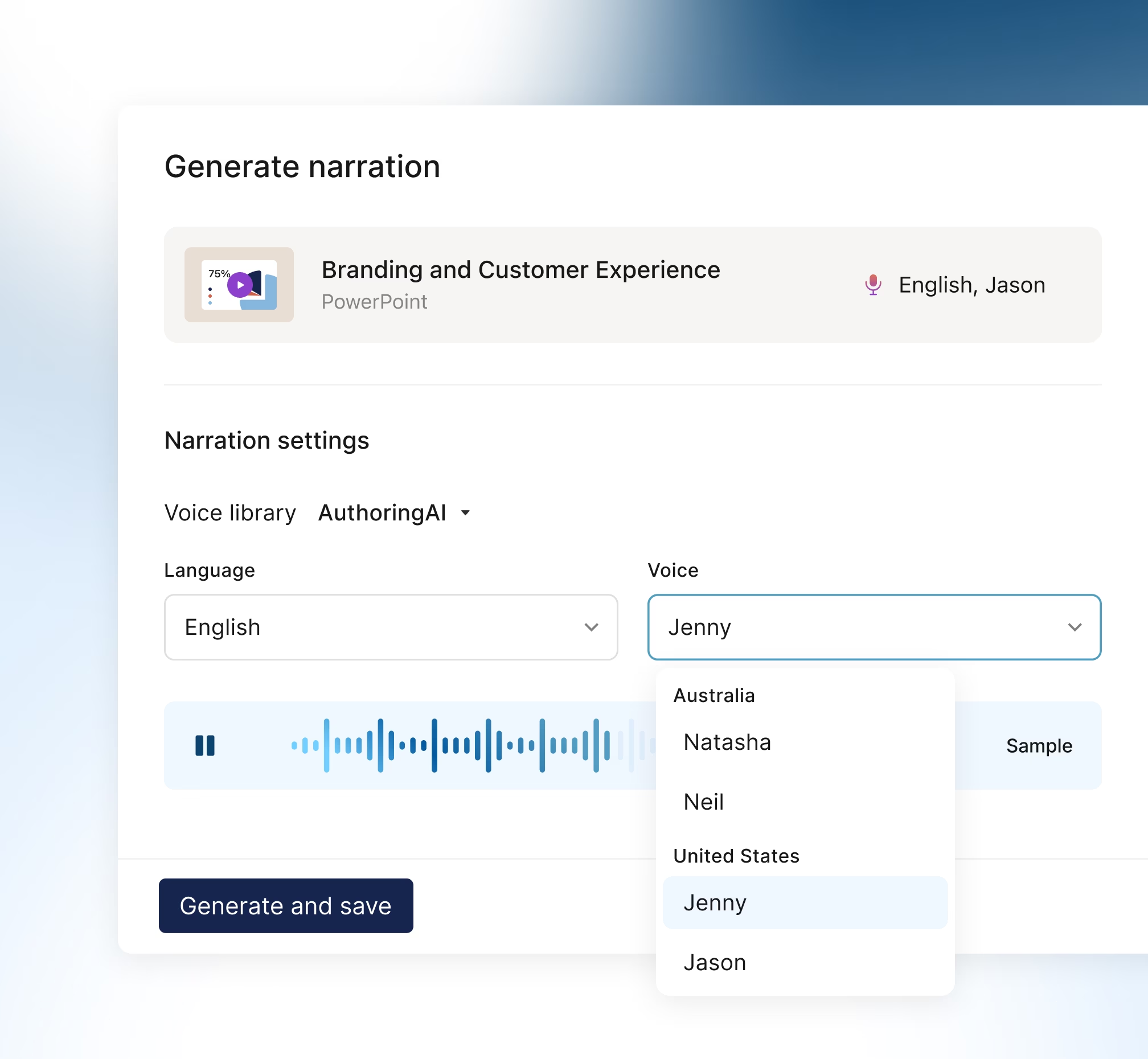
Studio-quality narration in minutes.
Pick an expressive AI voice or avatar — or create your own — and generate on-brand narration without recording sessions, editing software, or a second take.
- A premium voice library with native-sounding voices across regions and languages

- Voice clones created from a short sample of your voice, so narration always sounds like you
- Voice avatars that give every presentation a dynamic, professional host
- Pronunciation dictionaries keep your brand and industry terms accurate

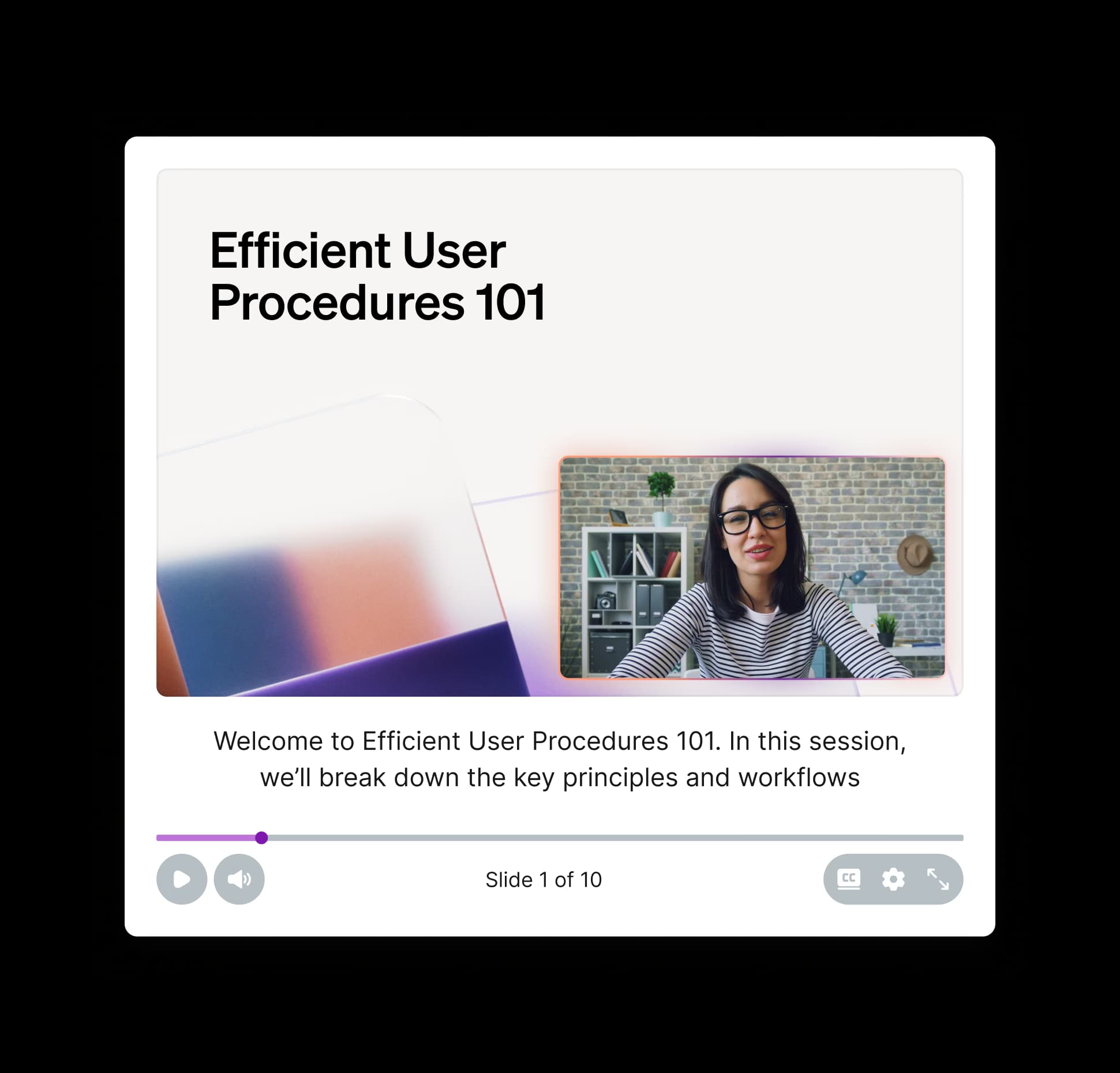
Update once. Every version stays current.
Edit the notes, regenerate the audio in seconds, and sellers and buyers will see the latest version — not last quarter’s. Auto-captioning keeps every presentation accessible and compliant.
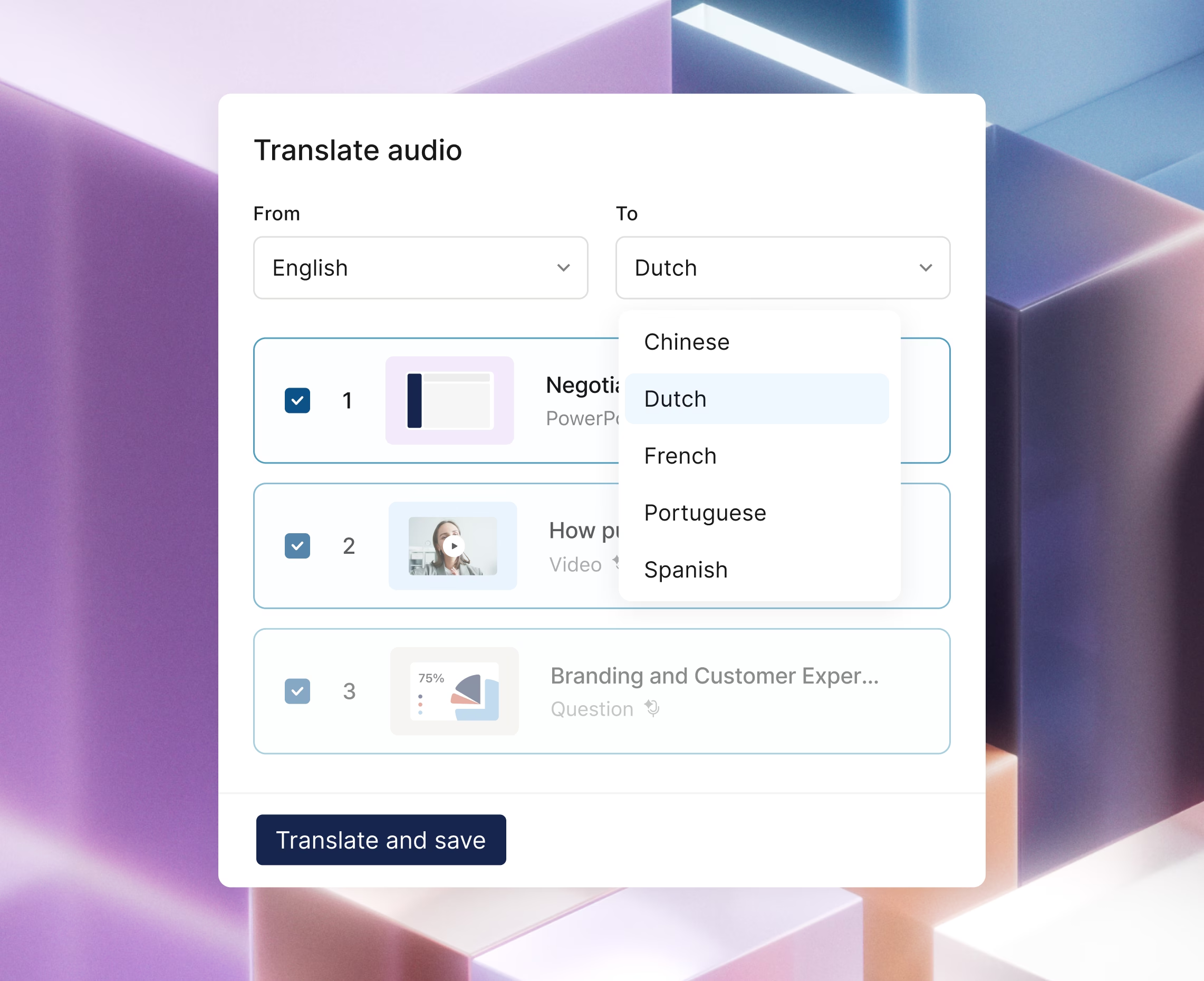
One presentation, ready for every region.
Use the content you already have and convert it into new languages instantly, with voices and AI avatar lip movements synced automatically.
- 30+ supported languages to roll out training globally, fast
- Voice-preserving translation keeps tone and nuance intact across voiceovers and AI avatars
- In-platform localization removes the cost and timeline of external agencies
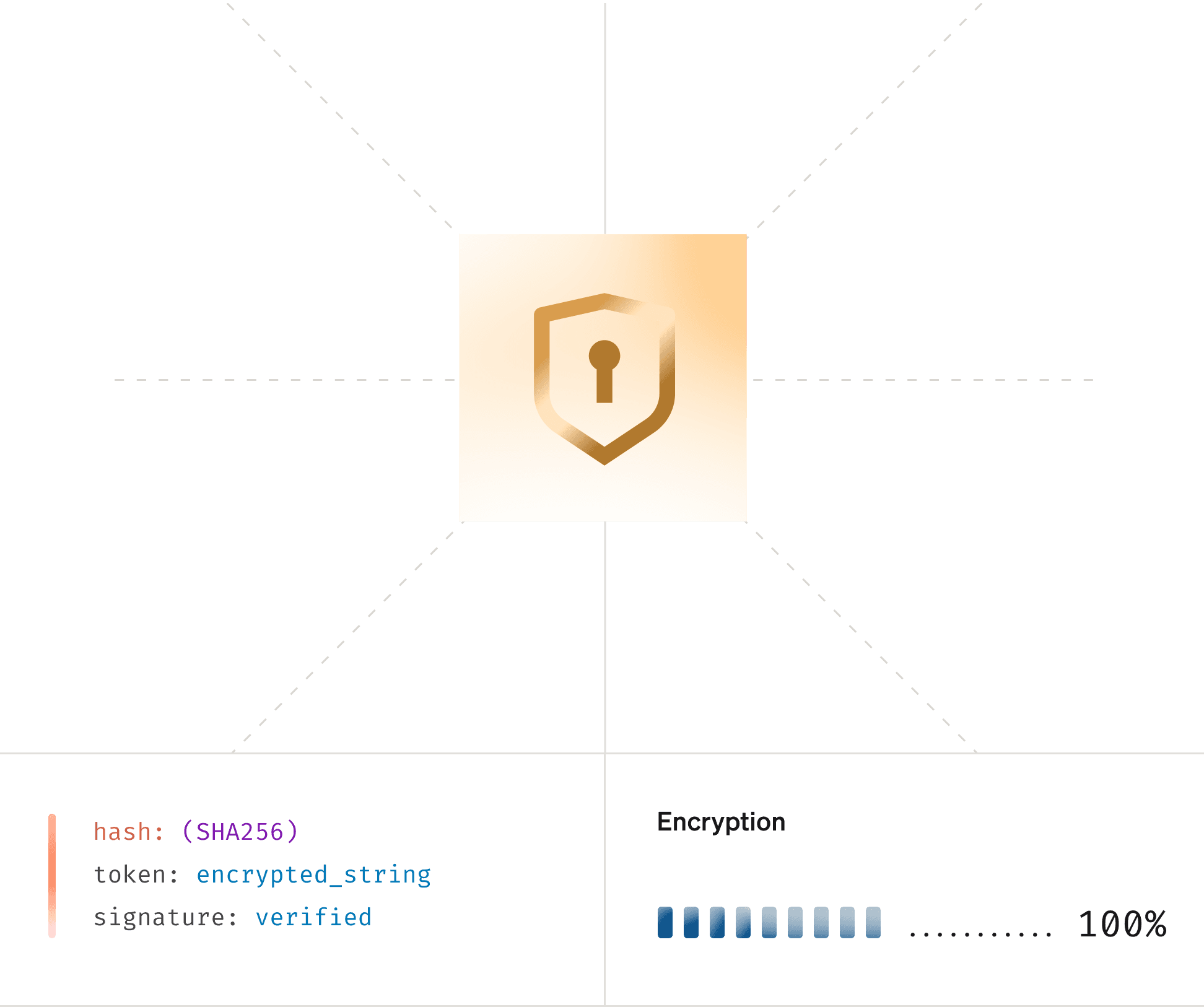
Your content, your voice, your data. Always protected.
Every voice clone, narration, and translation runs within Showpad's Data + Trust layer. You set the guardrails, and Authoring AI stays within them.
AI for every moment your sellers need it.
GenieAI is the intelligence behind every Showpad capability. Your sellers get AI support when they’re learning, when they’re practicing, and when they’re in front of a buyer.
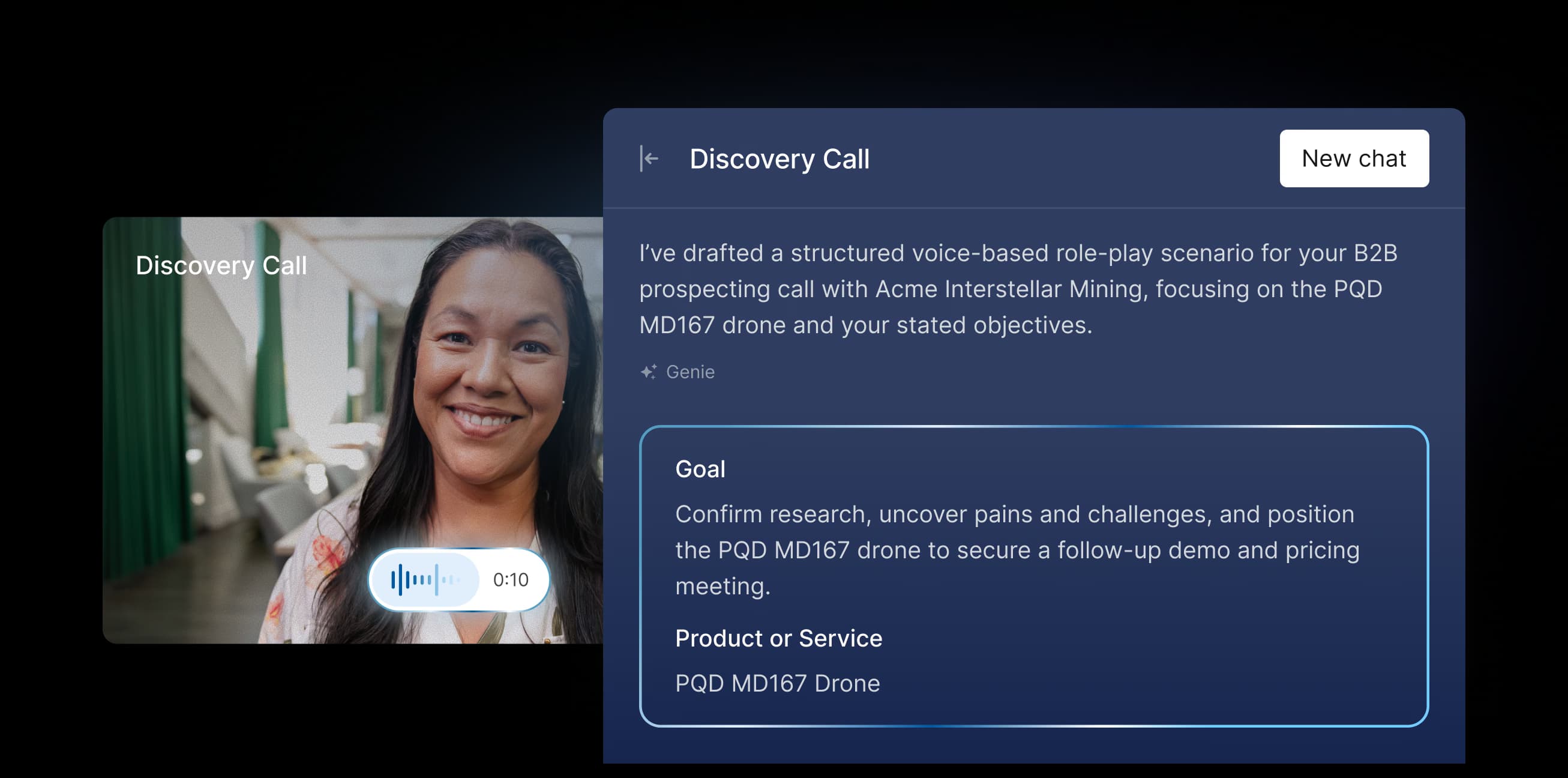
Guide your sellers from learning to winning.

Frequently asked questions
Authoring AI is a content creation capability inside the Showpad platform. It turns the slides, docs, video, and audio you already have into polished, narrated training and marketing assets — handling voiceover, captioning, translation, and quiz generation so you can produce and update content in minutes instead of weeks.
Most of what your team already produces. Authoring AI imports PowerPoint and Google Slides (using slide notes for narration), MP4 video, MP3 audio, PDFs, Word, Excel, and image files, plus embedded videos and URLs. Once imported, any of it can be narrated, captioned, and translated.
Pick a voice from the premium library (with native voices across regions), clone your own voice, or choose a digital avatar. Authoring AI turns your slide notes into realistic speech automatically, and pronunciation dictionaries keep brand and industry terms accurate every time.
Yes. You can translate slide content and narration into 30+ languages. Audio translation preserves the pacing, expression, and voice of the original — so global teams get the same quality experience without external agencies or delays.
Authoring AI works with the content you already have. Combine narrated slides, video, images, HTML5, and quizzes into modular learning units, update individual pieces without rebuilding the whole course, and auto-generate captions for accessibility compliance.